Depth Refocusing
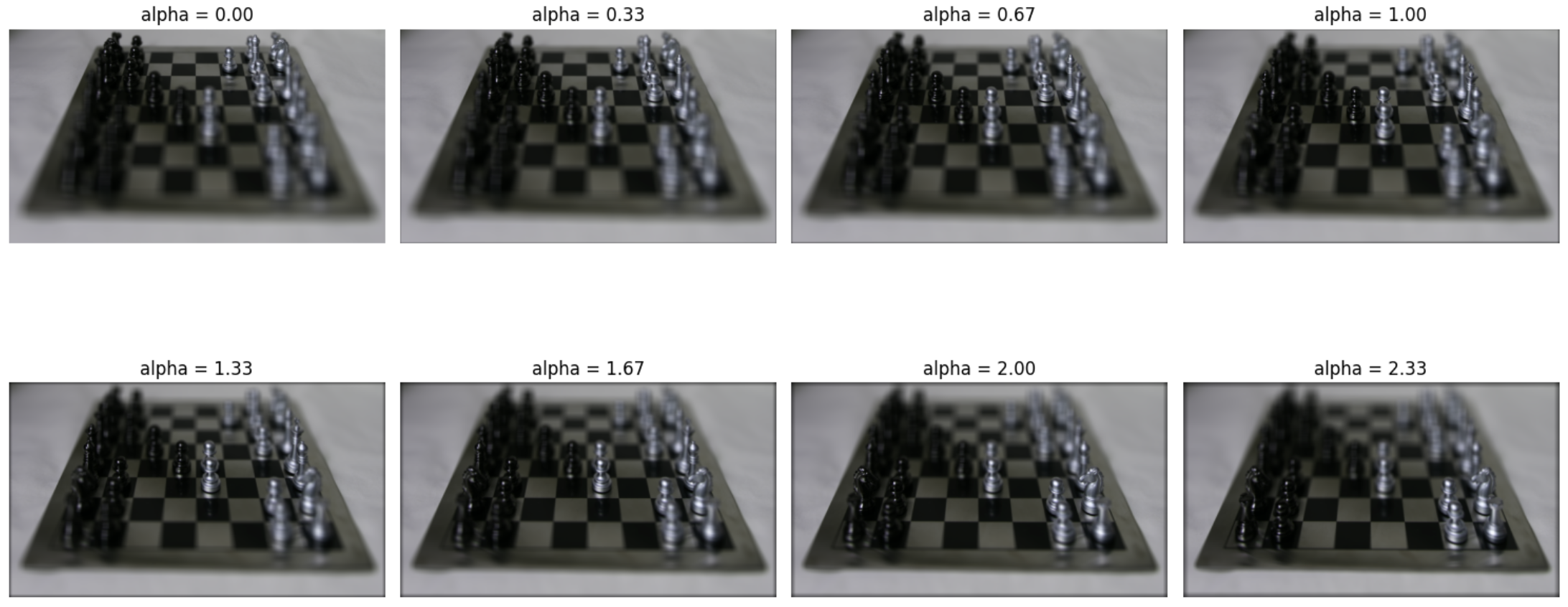
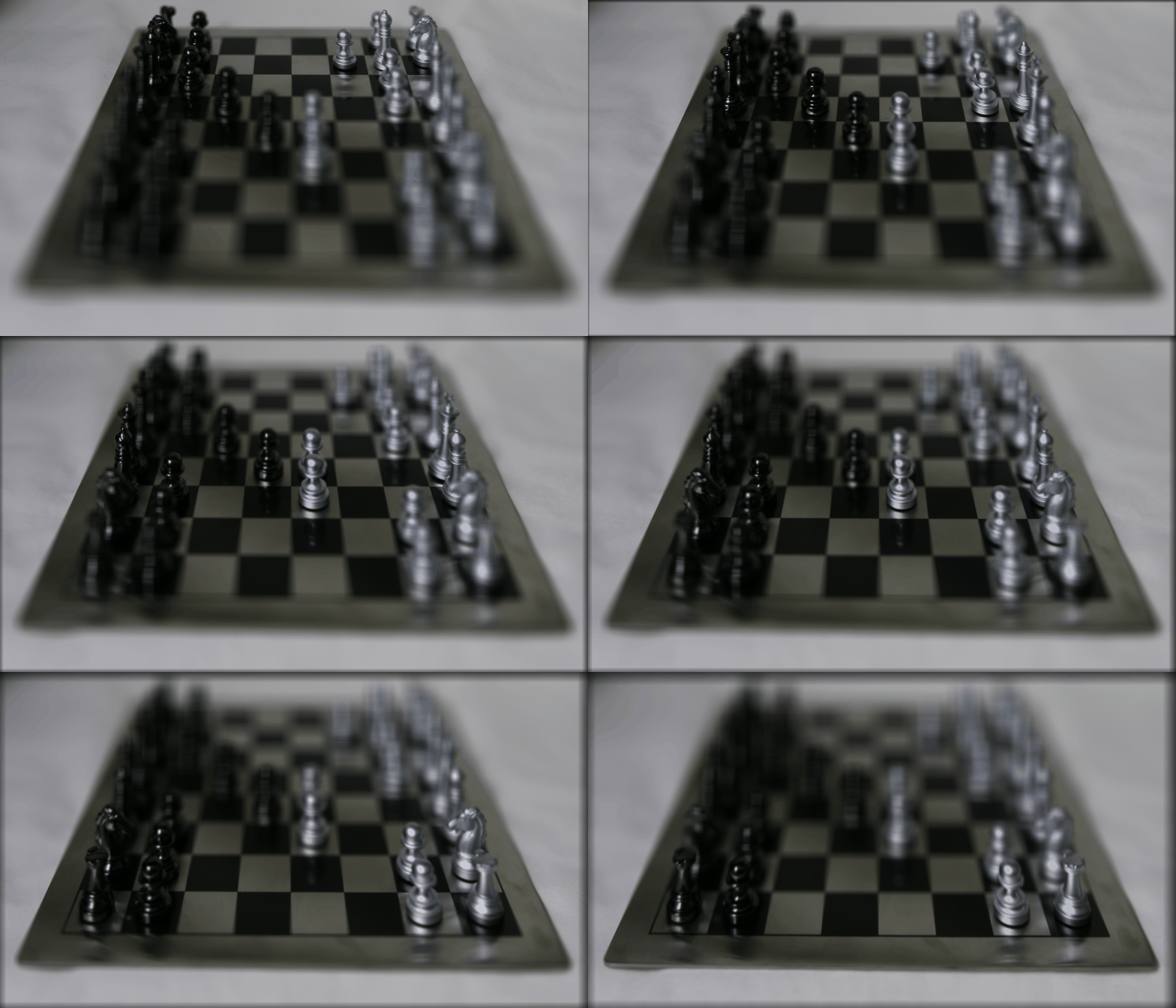
In this section we used a number of images to create multiple focuses in a scene. Using teh assortment of chess board images avialble with slightly different centers, we were able to re-align these images based on a varying center to create higher focuses regions and lower focused regions. and lower focused regions. The results are below.
Aperture Adjustment
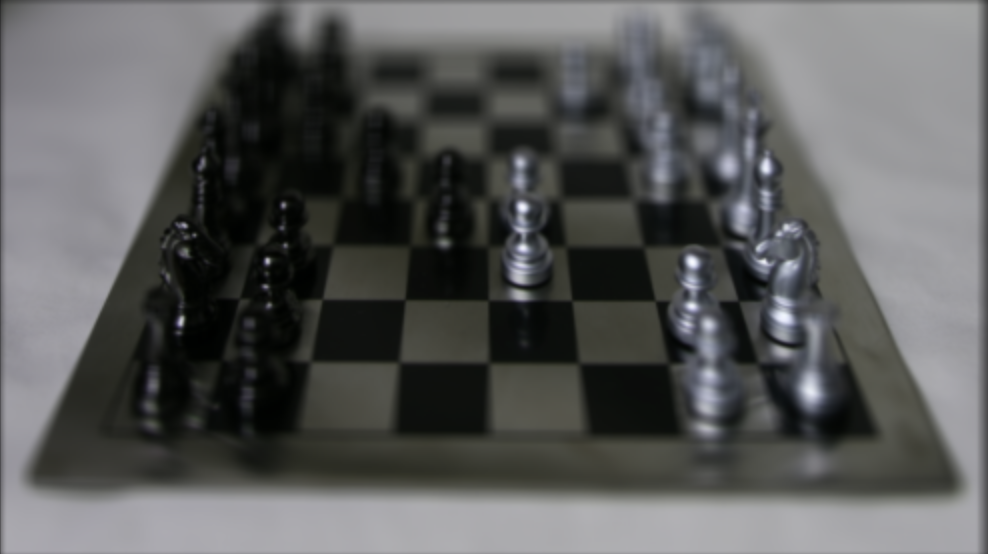
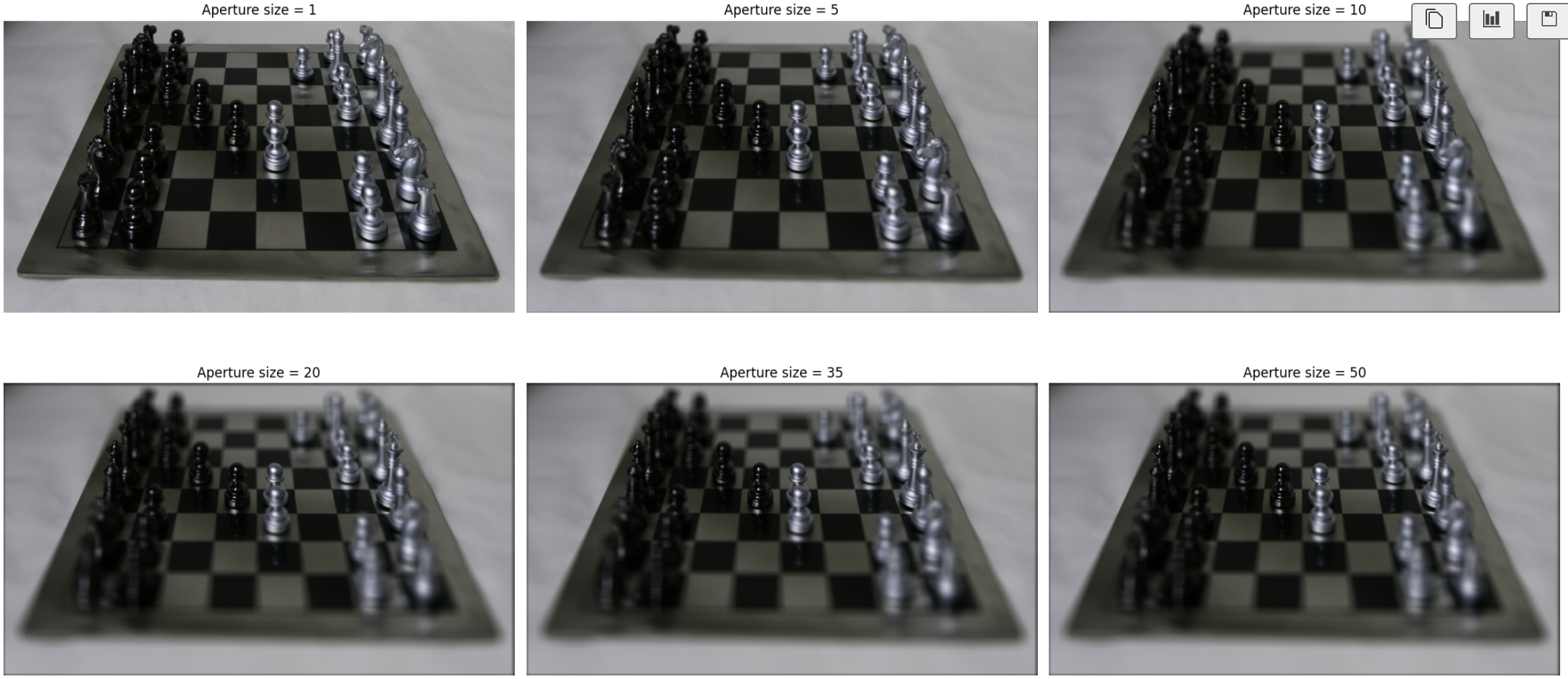
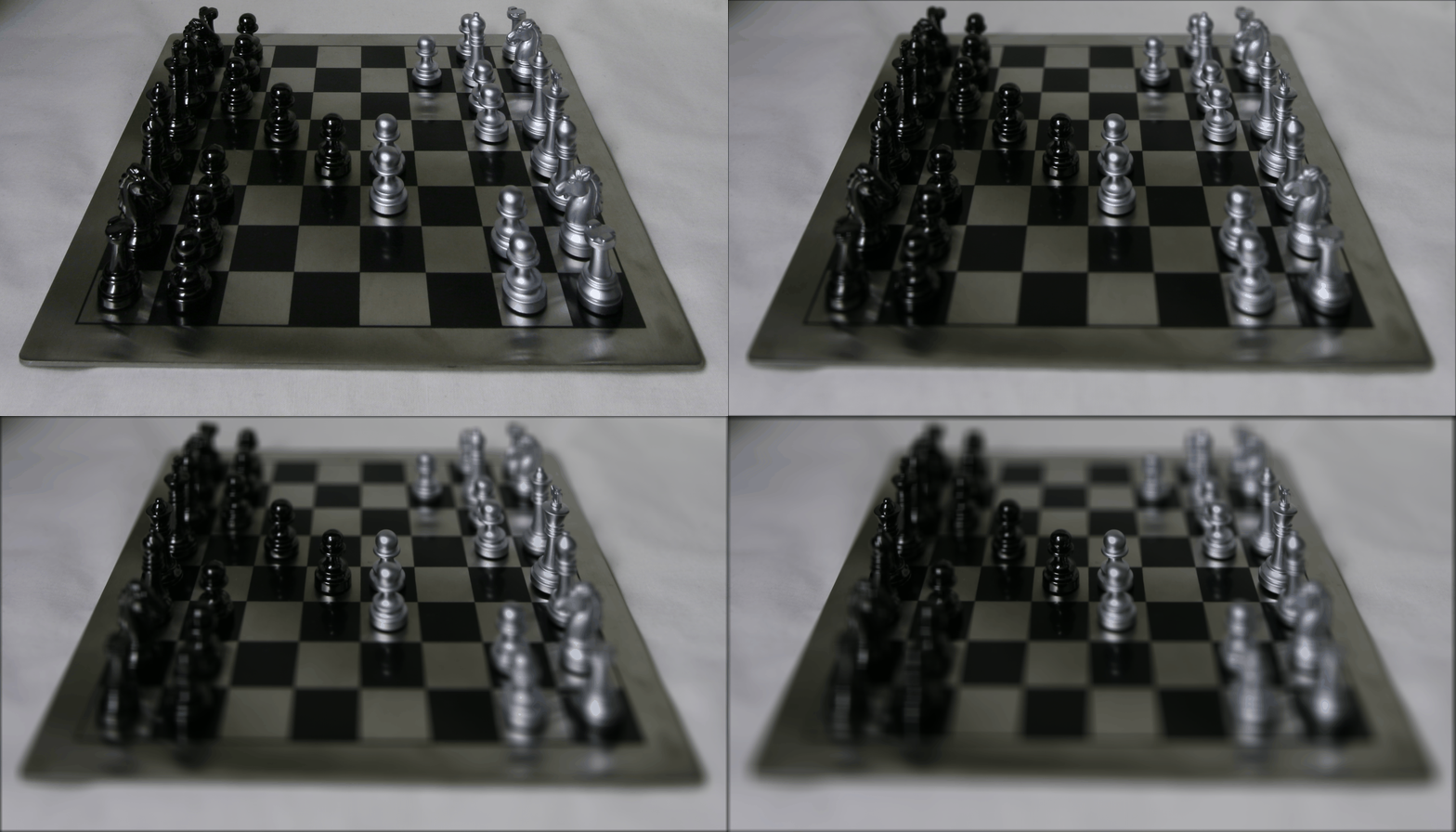
In this section, we vary the zone considered for image generation. As the array of alignment grows, the ability to get a good alignment consensus drops due to the increase in the number of photos used. This decreases the aperture, as visible in higher aperture sizes. The results are below.
B&W Interactive Focus
Focus calculation can be controlled with the slider
Gradient Domain Fusion, Toy Problem
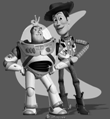
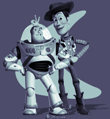
In this section, we explore using the gradients collected from an image to reconstruct the image. At every pixel, we calculate X and Y gradients. The gradients are then extrapolated to generate the original image. The results are below. The top is the original image, and the bottom is the reconstructed image.
Poisson Blending
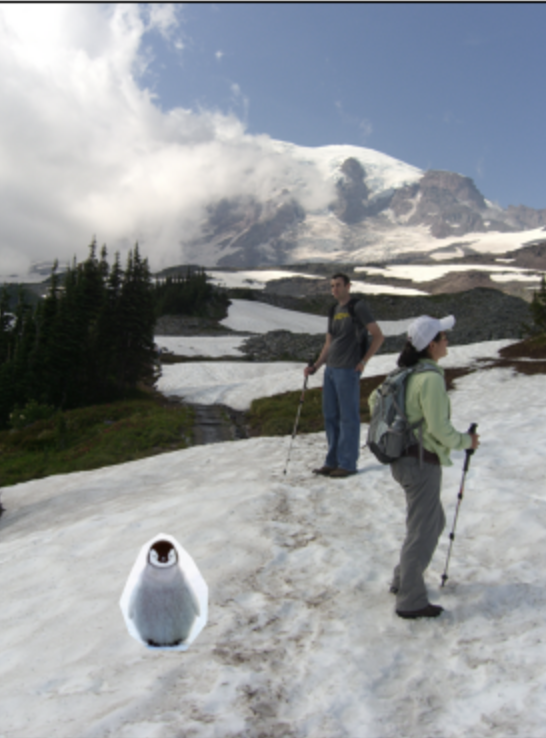
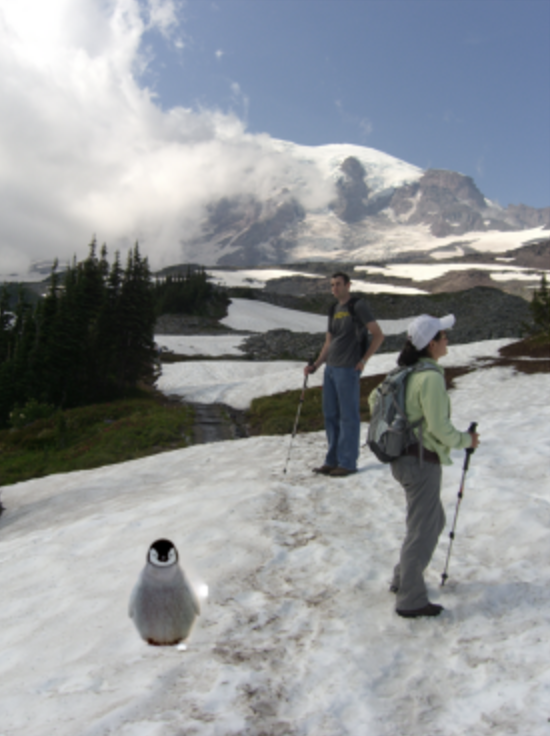
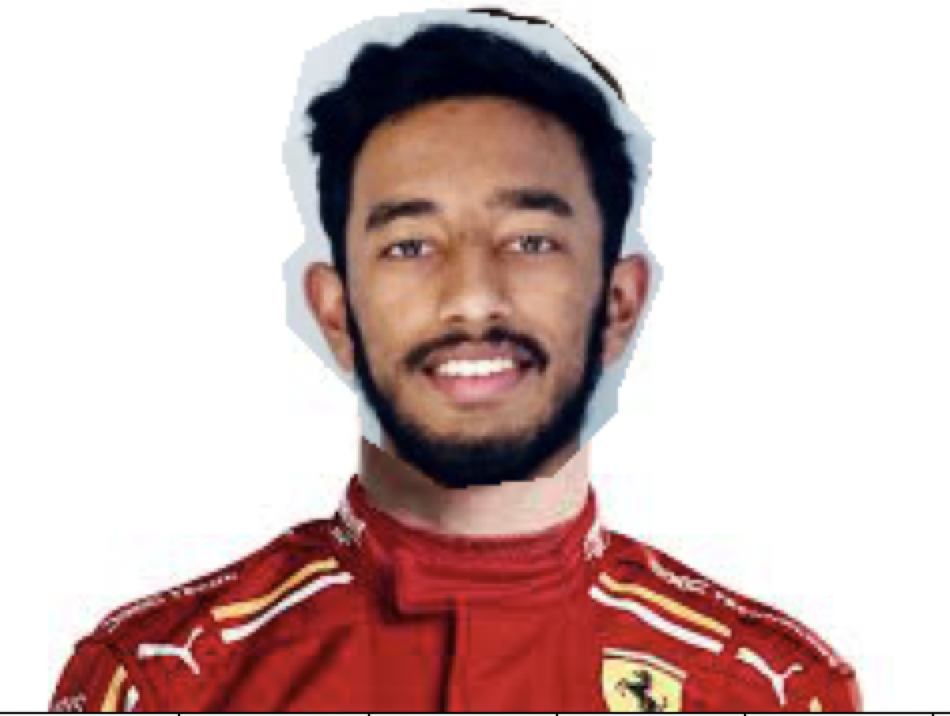
In this section, we utilized Poisson Blending to minimize artifacts when blending images. This works by first generating a mask of the image and then using the mask to blend the images. The blending region minimizes the gradient difference between the source image and the final image plus the base image minus the final image. The actual computation calculates the effective gradient in x and y for both sets of images, then solves the optimization problem above to get the blend. The results are below.